
Workflows and approvals
Define the statuses your team uses and which moves need an approval, so sensitive steps get the right sign-off.
Tasks, chat, docs, files and time tracking in one place — on your laptop and your phone. Every picture on this page is the real app.
Including Free — connecting Claude or ChatGPT over MCP too. Custom roles need Team; the built-in AI assistant and the REST API need Personal or Team.
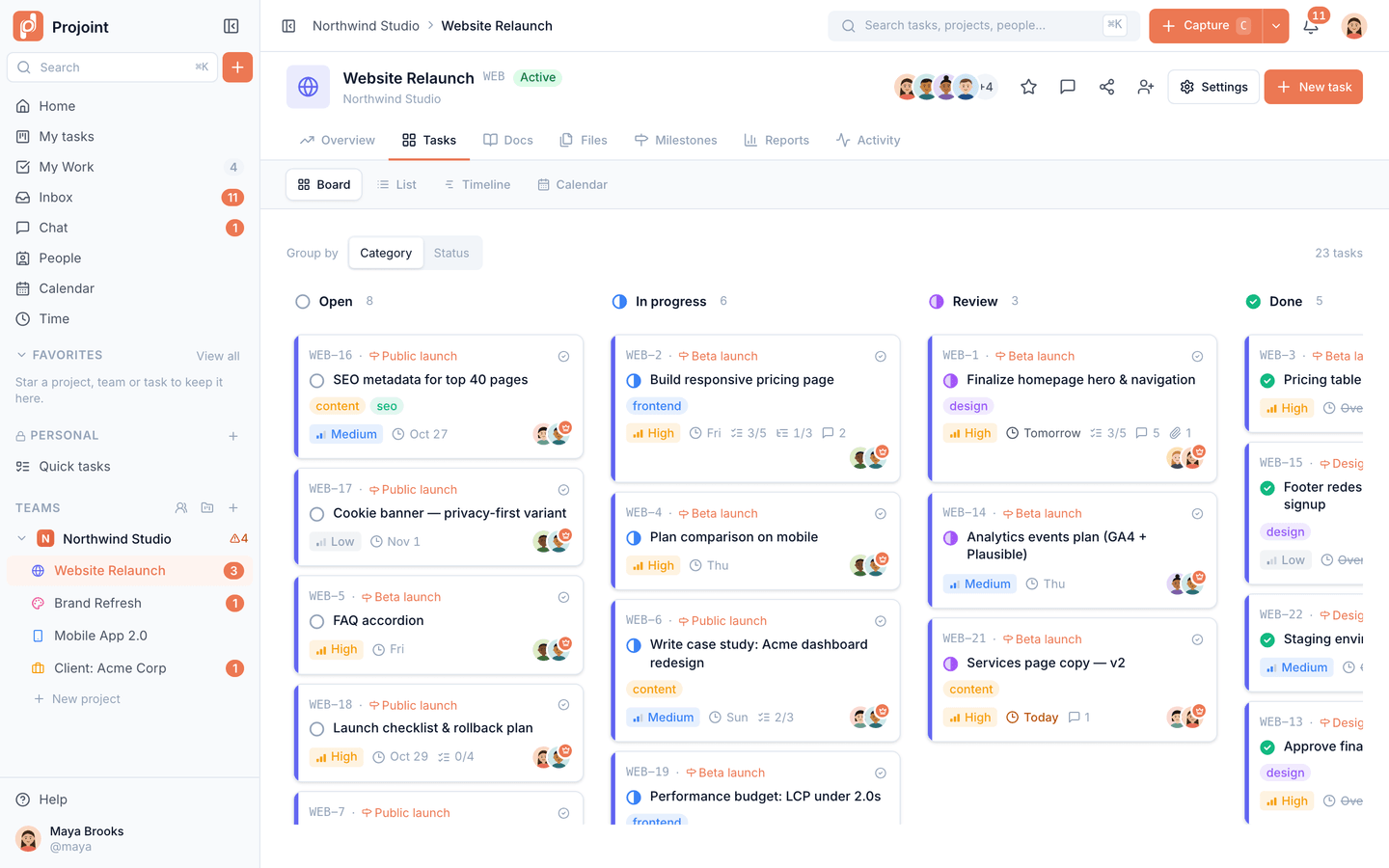
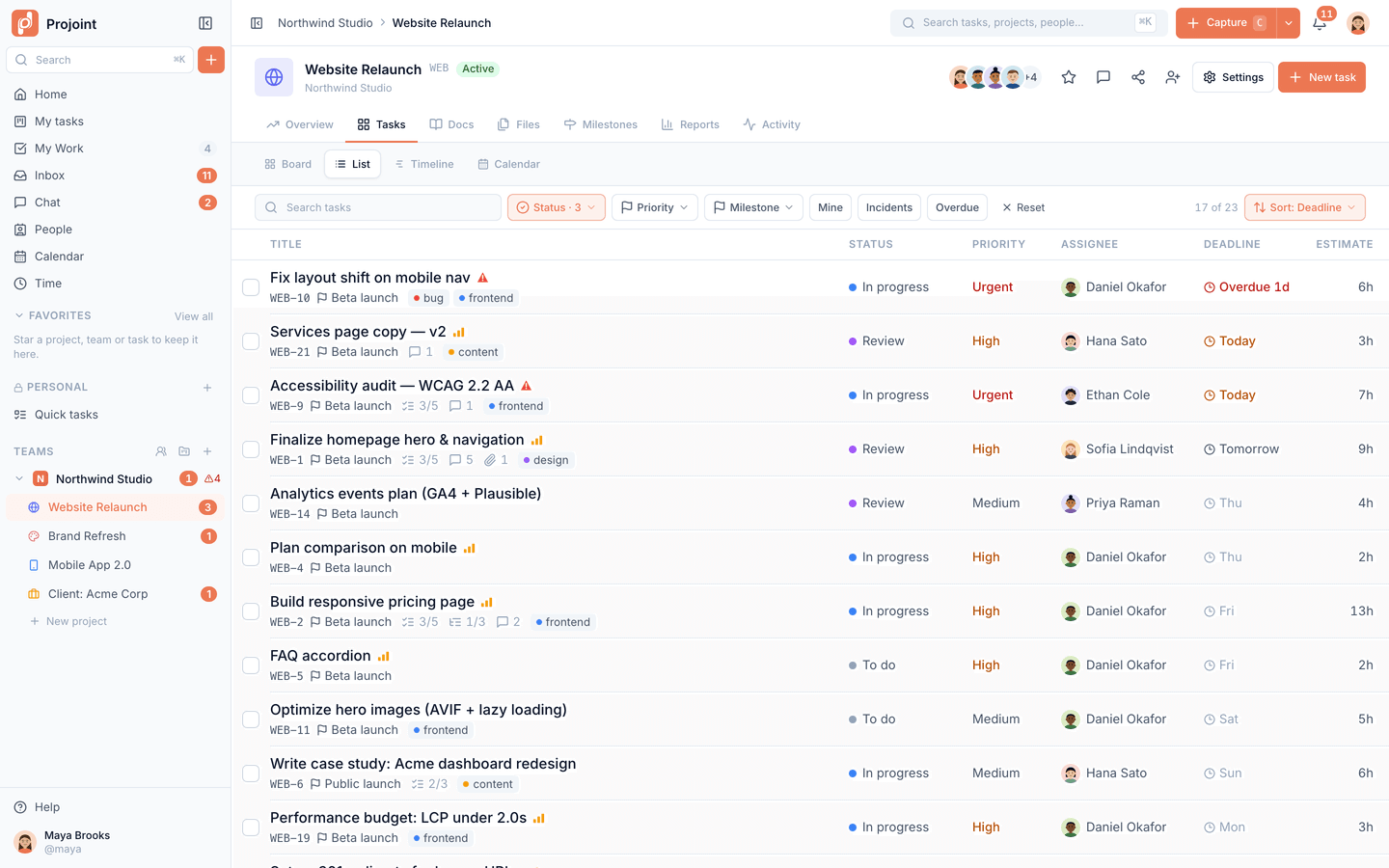
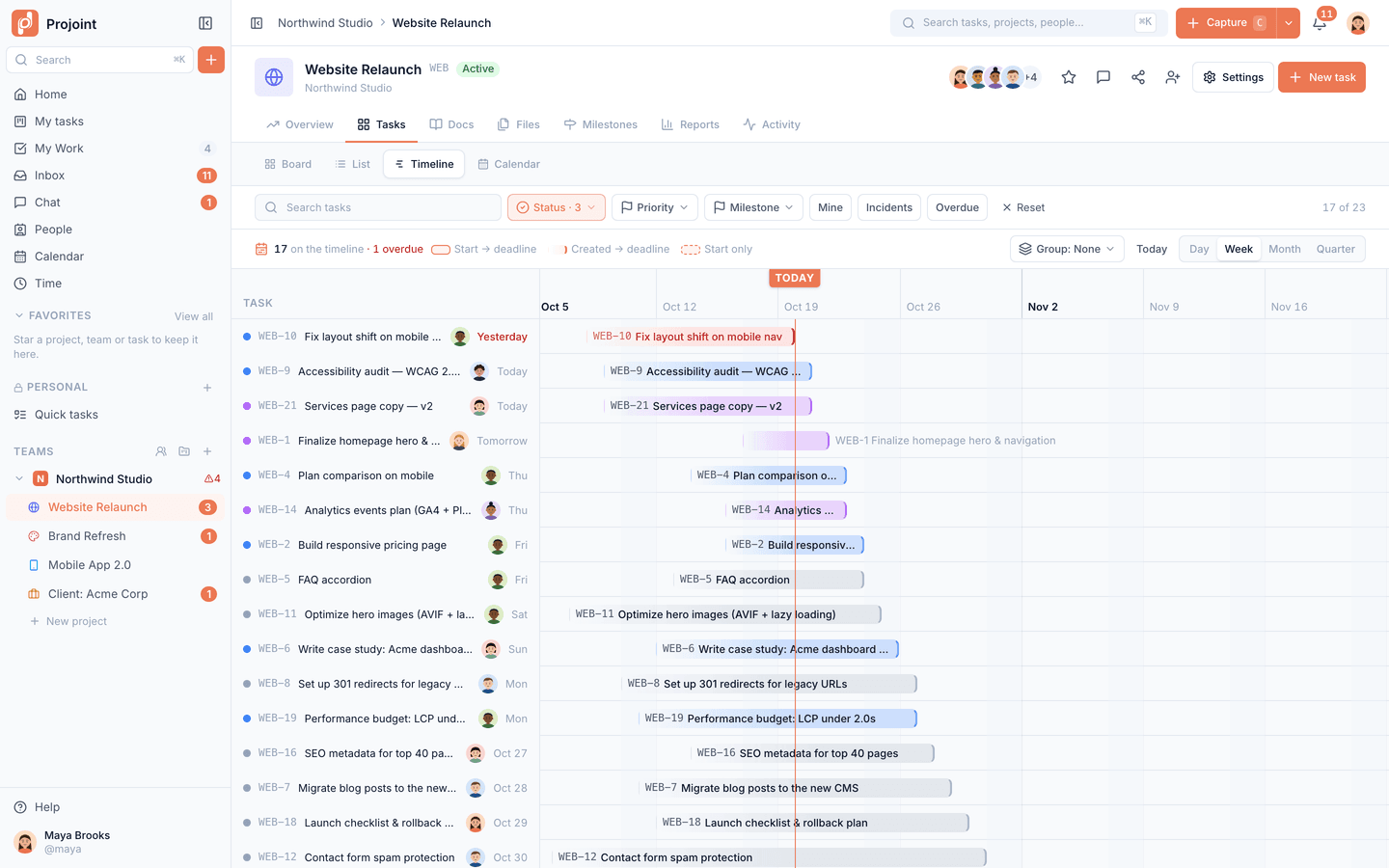
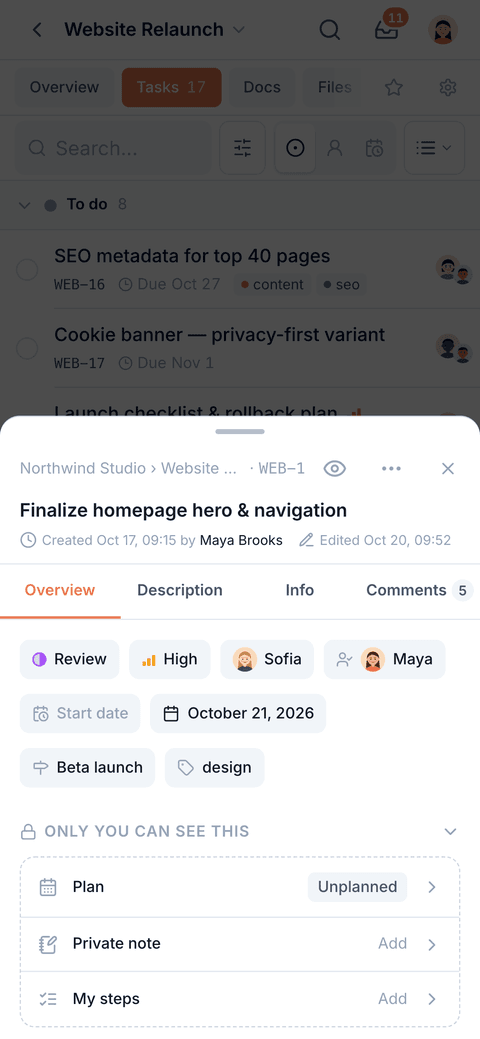
Tasks with assignees, deadlines, priorities and estimates. See any project as a board, a list, a calendar or a timeline — the same tasks, a different view.
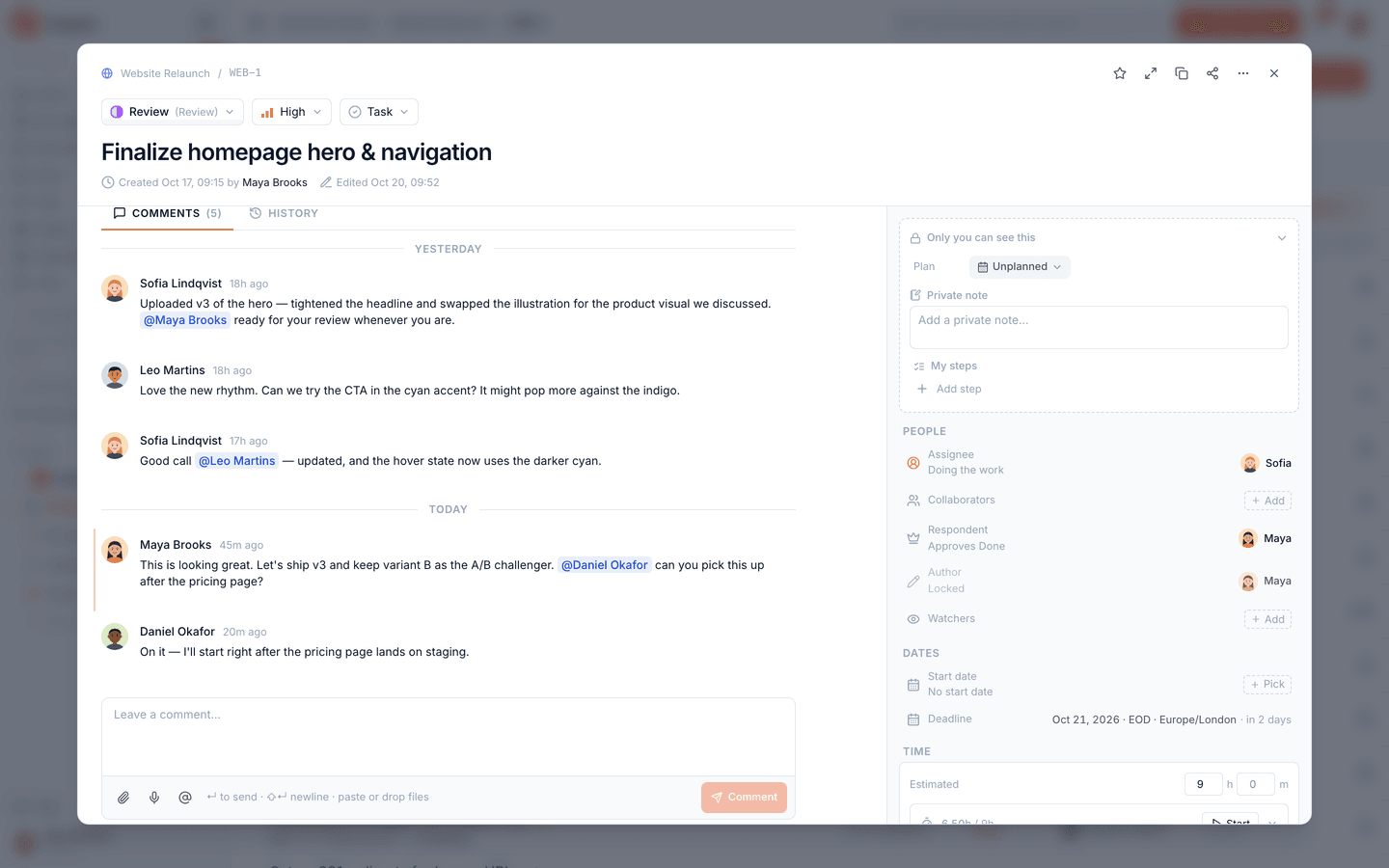
Details, discussion and files stay on the task they belong to, so nobody has to dig through chat to find out what was decided.
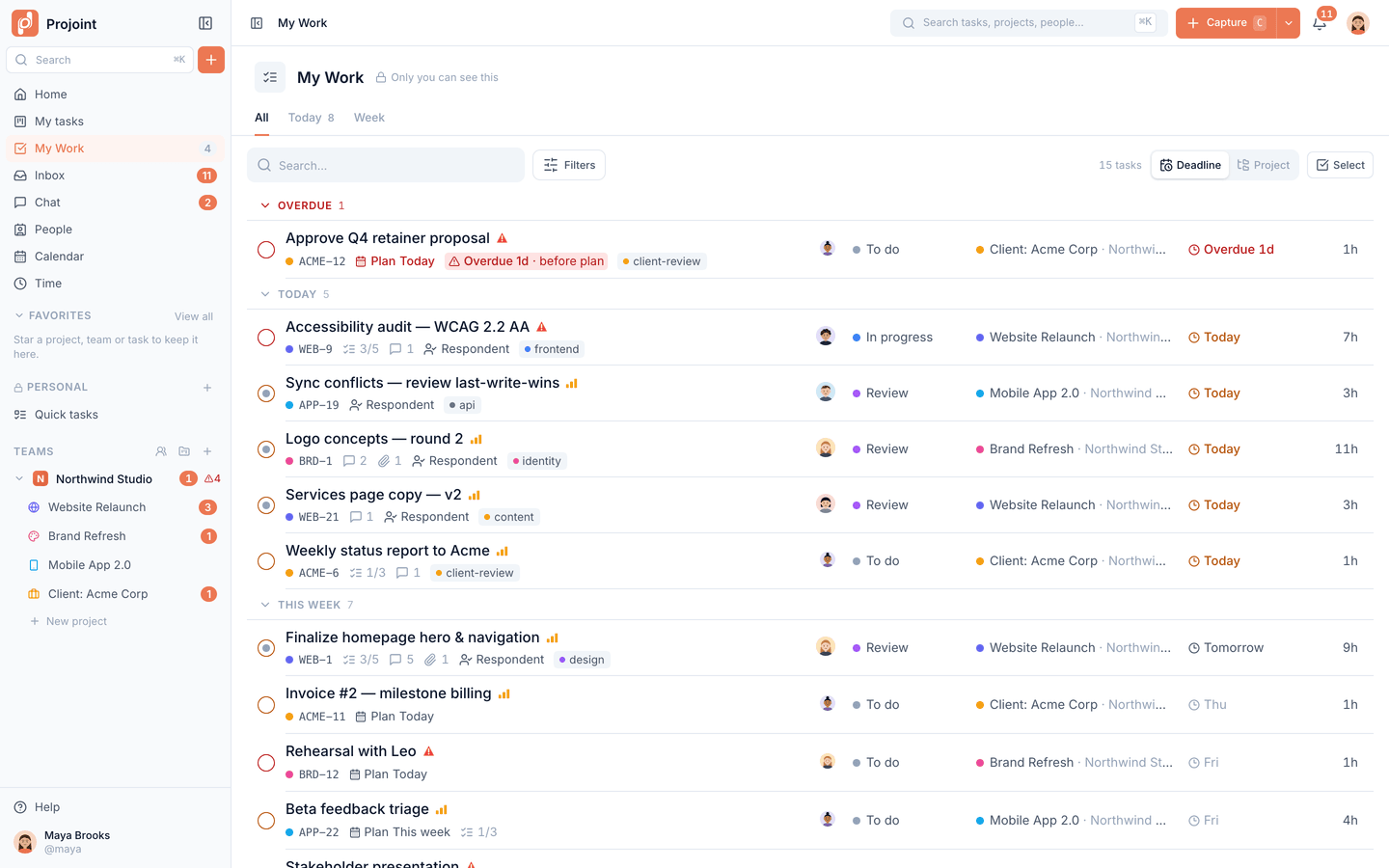
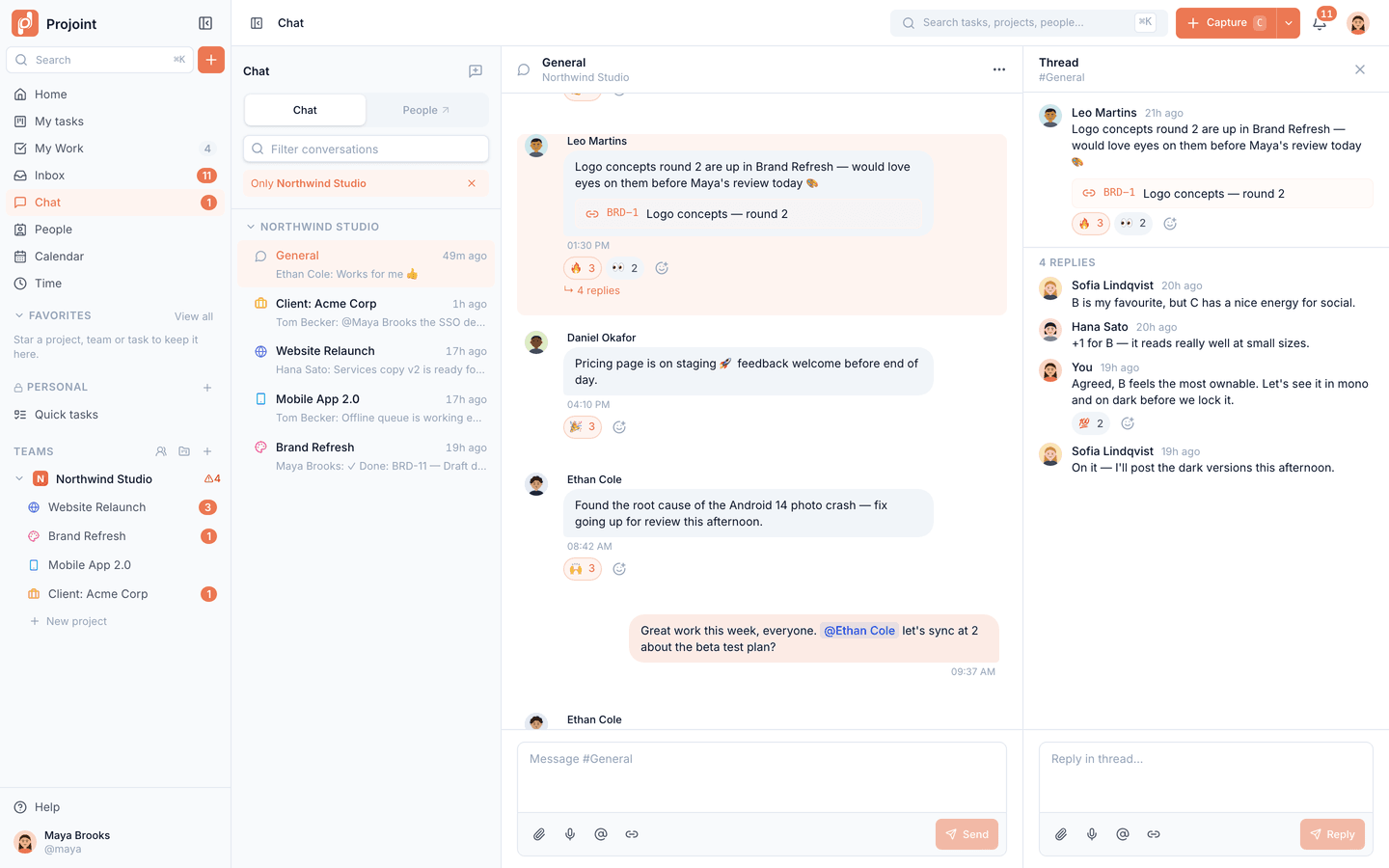
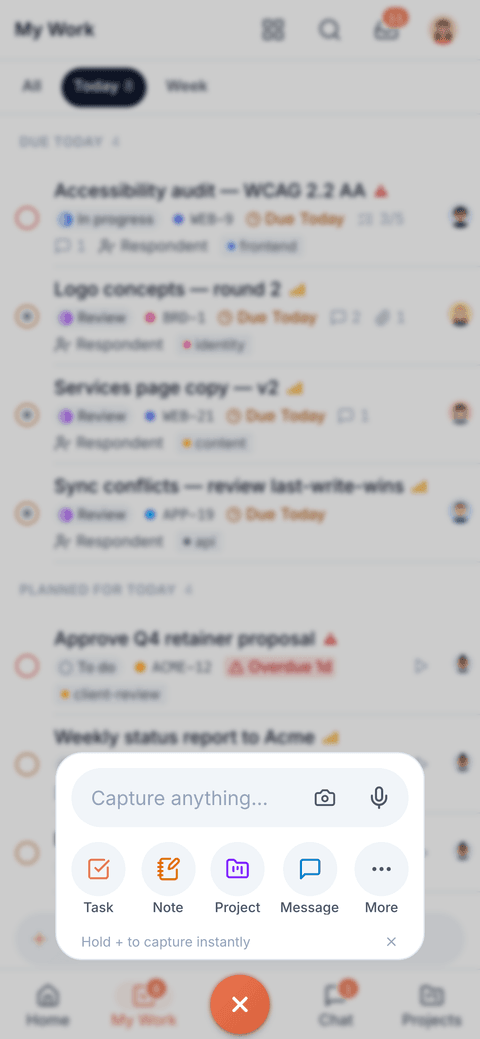
My Work pulls your tasks from every project into one list, with Today, Week and All views and time you plan for each task.
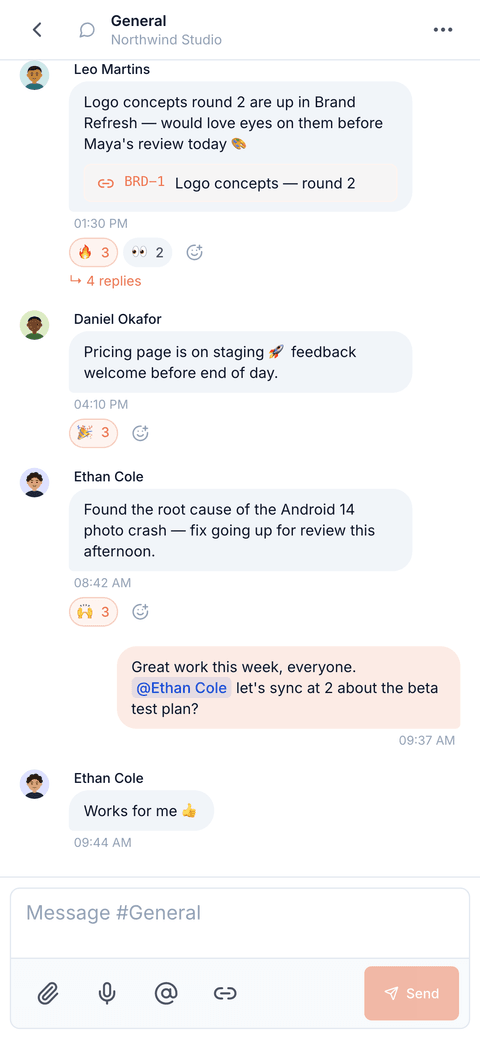
Chat topics per team and project, direct messages, threads and reactions. Mentions, assignments and replies collect in one inbox and reach your phone.
Lay tasks and milestones out on a timeline with a today line, spot what is running late, and drag to reschedule.
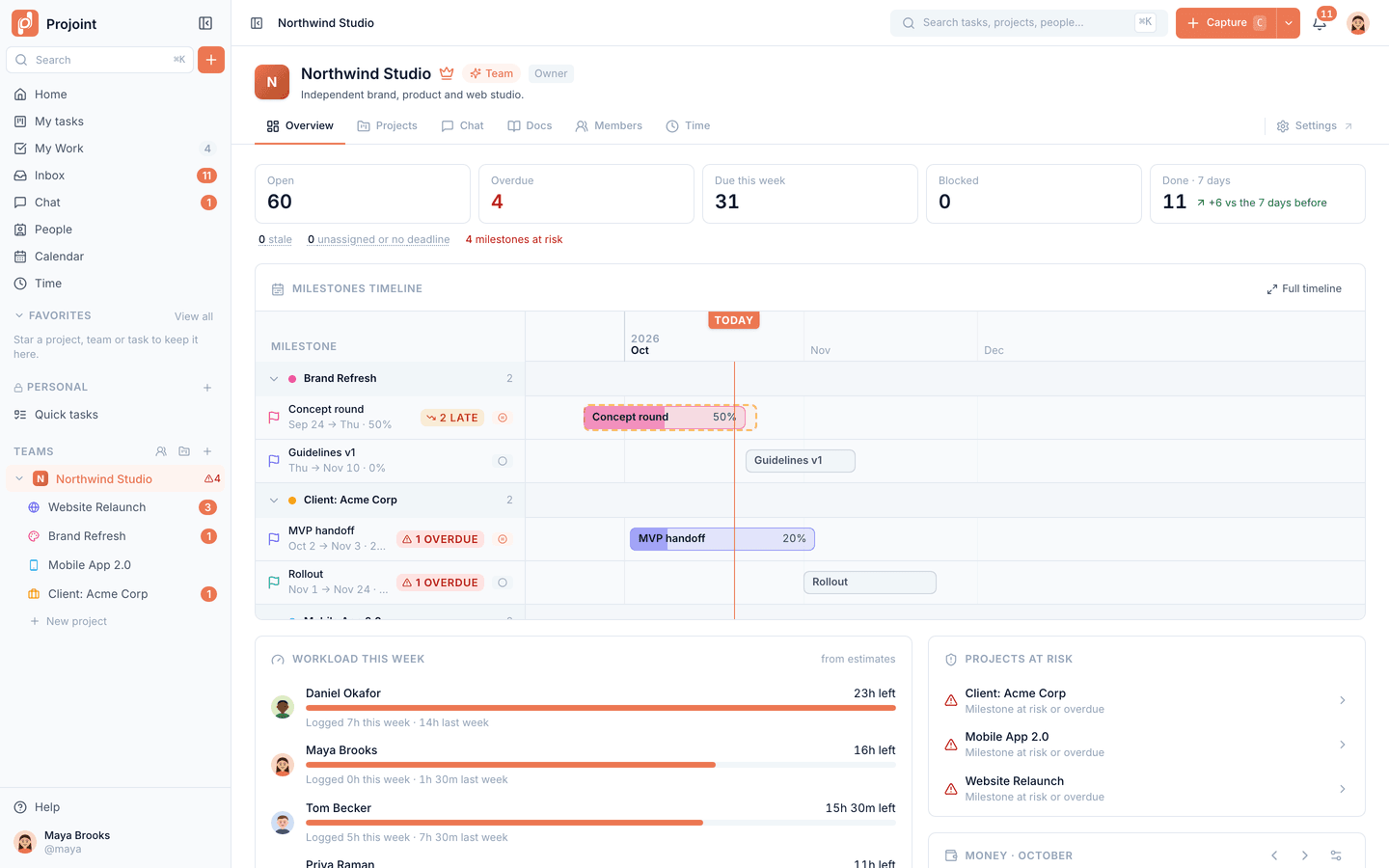
Open and overdue work, milestones across projects, workload per person and projects at risk — for whoever runs the team.
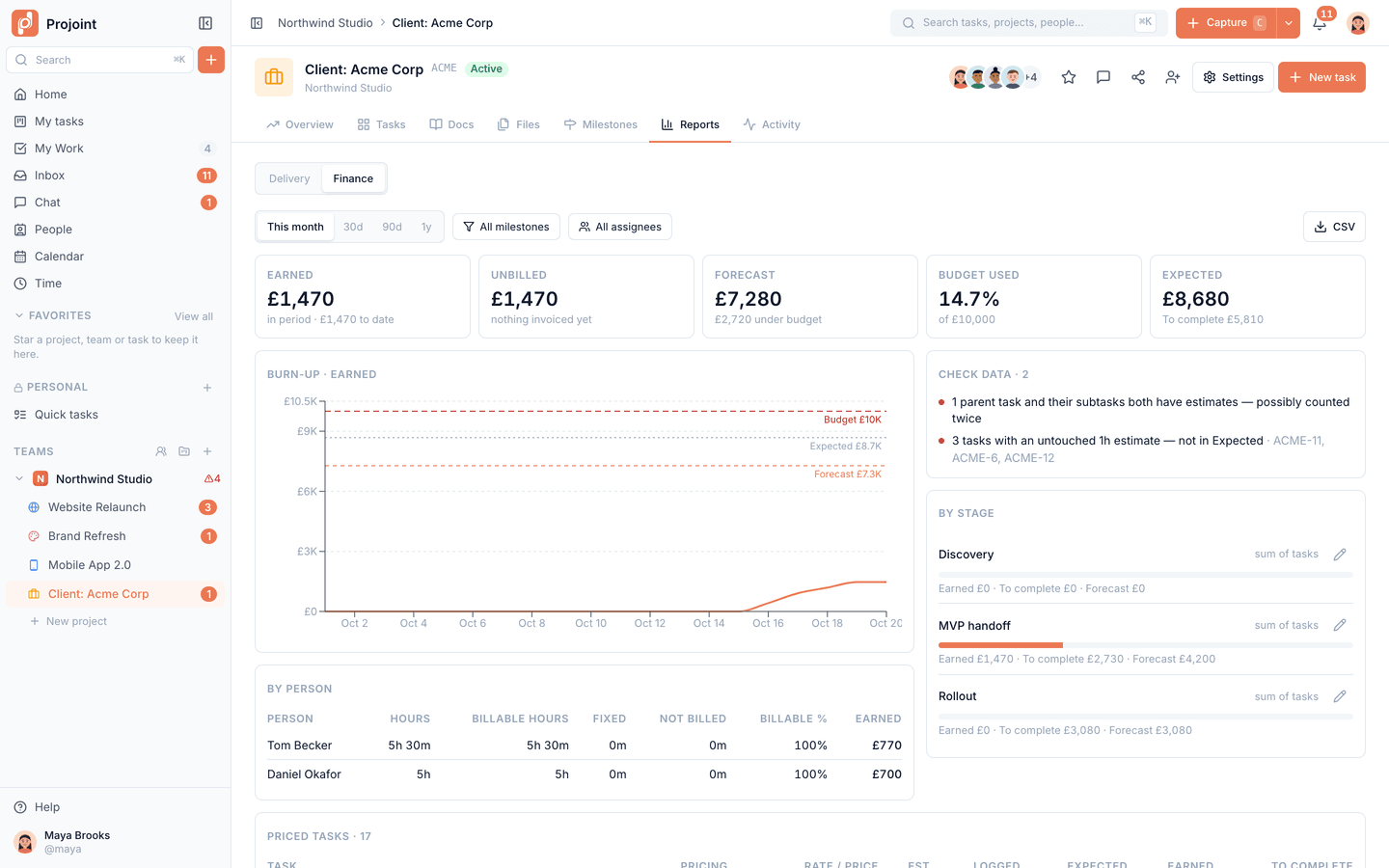
Turn on money for a project and Projoint works out what you have earned from logged hours and finished fixed-price work, what is not billed yet, and where the project will land against its budget.
By default only owners and managers can see money. Included on every plan; exporting the finance report as CSV needs Personal or Team.
Define the statuses your team uses and which moves need an approval, so sensitive steps get the right sign-off.
Nested docs for specs and decisions. Project files in folders, served only through short-lived signed links.
Start a timer from any task or log time by hand, review it per person and project, and export a CSV timesheet.
Every account has a space only you can see — not even your team admins — for your own tasks, docs and files.
Preset roles, plus custom roles on Team. Invite clients to only the projects they should see.
Authenticator-app 2FA that owners can require, and a team activity timeline you can export.
Your tasks, chat and inbox work just as well on the phone — for the moments you’re away from your desk.
Add Projoint to your Home Screen on iPhone or Android — it opens full-screen, no app store needed.
Mentions, assignments and replies reach you on your phone.
Create tasks, update them and reply in chat with a layout designed for the small screen.
Native App Store and Google Play apps are not available yet.
Connect Claude, ChatGPT or Cursor over MCP on any plan. On Personal and Team, add your Anthropic, OpenAI or OpenRouter key for the built-in assistant and agents. We don’t train models on your content.
Free for up to 10 members. No card required. Add AI with your own key when you’re ready.